Home
/ ISP & Enterprise
/ Best network cable tester and crimp kits for installers
Buying guide · Installer tools
Best network cable tester and crimp kits for installers
Four kits for terminating and checking Ethernet cable, from a first crimper to a tester that maps every wire, and what a cable tester can and cannot tell you.
Affiliate disclosure — Networking Room participates in the Amazon Services LLC Associates Program and earns from qualifying purchases. Nothing on this page is placed or paid for by a manufacturer.
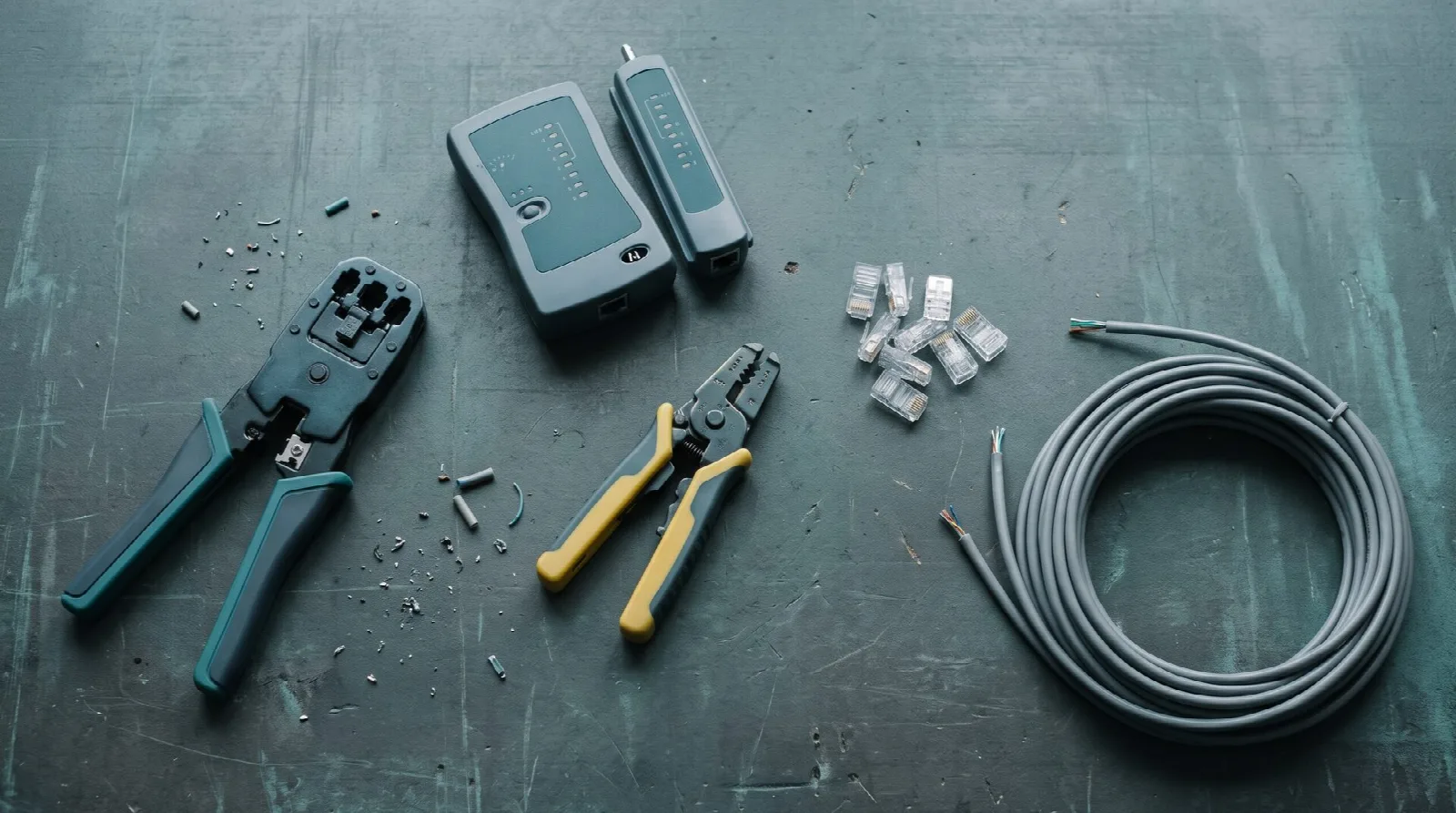
Illustration: a crimping tool, cable tester, stripper and RJ45 connectors on a workbench
Best premium kit
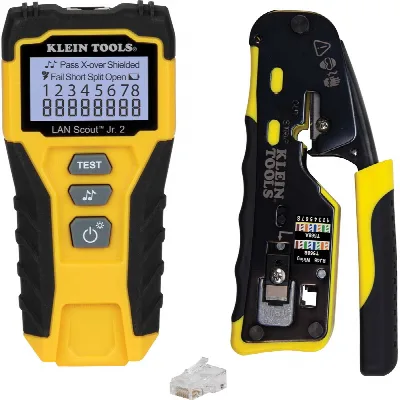
Klein Tools 80072
LAN Scout Jr. 2 tester with a backlit display, a coax tool and 50 pass-through plugs. Tests Cat5e, Cat6 and Cat6A.
Best for first-timers
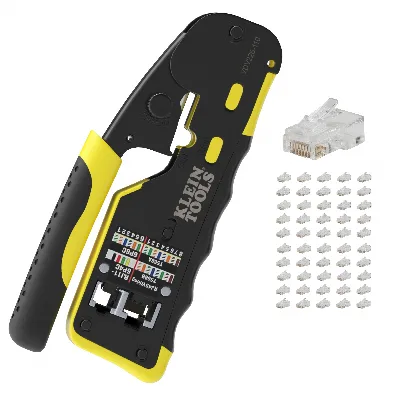
Klein Tools 80024
A ratcheting pass-through crimper with 50 Cat6 plugs and a wiring guide on the tool.
Tester and crimper
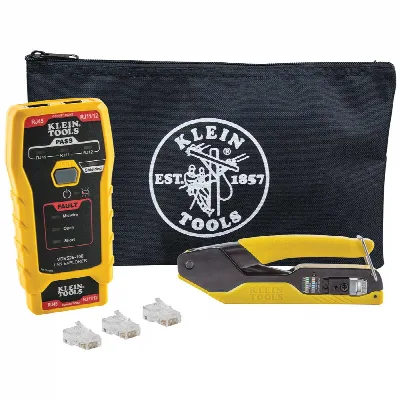
Klein Tools VDV026-813
A pass-through crimper, an LED cable tester and 50 connectors in one kit.
Best budget
Solsop pass-through kit
A metal crimper, 50 connectors and a basic network tester. The budget pick in the roundups we read.
What a cable tester tells you
A basic tester checks that each of the eight wires in a cable is connected to the right pin at both ends. That catches the faults that cause most installation callbacks: an open wire, a short, a crossed pair or a split pair. It does not tell you the cable will carry a given speed.
Wire map
checks continuity, opens, shorts and crossed wires. Every tester here does this.
Not certification
measuring speed, crosstalk and insertion loss to a standard takes a certification tester, which costs far more.
Test every run
test each cable after you crimp it, and again once it is installed, before you leave the site.
01
Best premium kit
Klein Tools 80072
A three-piece kit built around the LAN Scout Jr. 2 tester, which has a backlit display and tests terminated Cat5e, Cat6 and Cat6A cables and patch cords. It also includes a coax crimp, strip and cut tool and 50 pass-through plugs. Note that it is a tester and coax tool kit rather than an RJ45 crimper, so pair it with a crimper such as the one in the next entry.
A ratcheting pass-through crimper kit with 50 Cat6 pass-through plugs and a wiring guide on the tool, which reviewers rate alongside Klein’s professional VDV226-110 for crimp quality. Ratcheting means the tool releases only once the crimp is complete, which makes first attempts more consistent. It does not include a tester, so add one.
A pass-through crimper, 50 Cat5e and Cat6 connectors and an LED cable tester in one kit, described as certified for PoE+ applications. It is the simplest single purchase if you want to terminate and check cable with one order. A basic LED tester gives pass or fail results per pin, with less detail than the LAN Scout’s display.
A metal-bodied pass-through crimper, 50 connectors and a basic network tester, listed for Cat5 to Cat7 cable. It is popular at a low price and fine for occasional work. For daily installation work, a professional-grade tool such as the Klein options above is the safer investment.
Match plug to cable
use solid-core plugs on solid cable for permanent runs and stranded plugs on stranded patch cords.
One wiring standard
use T568B at both ends unless you are matching an existing T568A installation.
Pass-through plugs
the wires pass through the plug and are trimmed flush by the crimper, so it needs a crimper designed for pass-through plugs.
Avoid copper-clad aluminium
buy solid copper cable. Copper-clad aluminium (CCA) does not meet cabling standards and is not suitable for PoE.
Test, then label
test the cable, then label both ends before the cover goes on.
Does a cable tester check speed?
No. A wire-map tester confirms continuity and correct pin order. Speed and crosstalk performance need a certification tester that measures to the TIA or ISO standards.
Pass-through or standard plugs?
Pass-through plugs are faster to fit because you do not have to trim the wires to length first, but they need a matching crimper. Standard plugs work with a basic crimper and take more care to get right.
Cat5e or Cat6 for new work?
Cat5e carries 1 Gbps and, to 100 m, 2.5 Gbps. Cat6 gives more headroom and can carry 10 Gbps over shorter runs. For a new install where the cost difference is small, Cat6 is the safer choice.
Sources
Specifications and findings above come from these pages, read on 26 November 2026. Specifications change between revisions, so check the product page before you buy.
Runs network operations for a licensed fibre ISP in Khulna, Bangladesh (AS137403) — GPON access, MikroTik edge, BGP upstream. Every review here is tested against that network rather than a lab loop.