Home
/ Home Lab
/ Best mini PCs for OPNsense and pfSense
Buying guide · Firewalls
Best mini PCs for OPNsense and pfSense
A fanless x86 box with Intel 2.5GbE ports makes a better firewall than most consumer routers. Four options, from a two-port turnkey unit to a 10GbE-ready mini workstation.
Affiliate disclosure — Networking Room participates in the Amazon Services LLC Associates Program and earns from qualifying purchases. Nothing on this page is placed or paid for by a manufacturer.
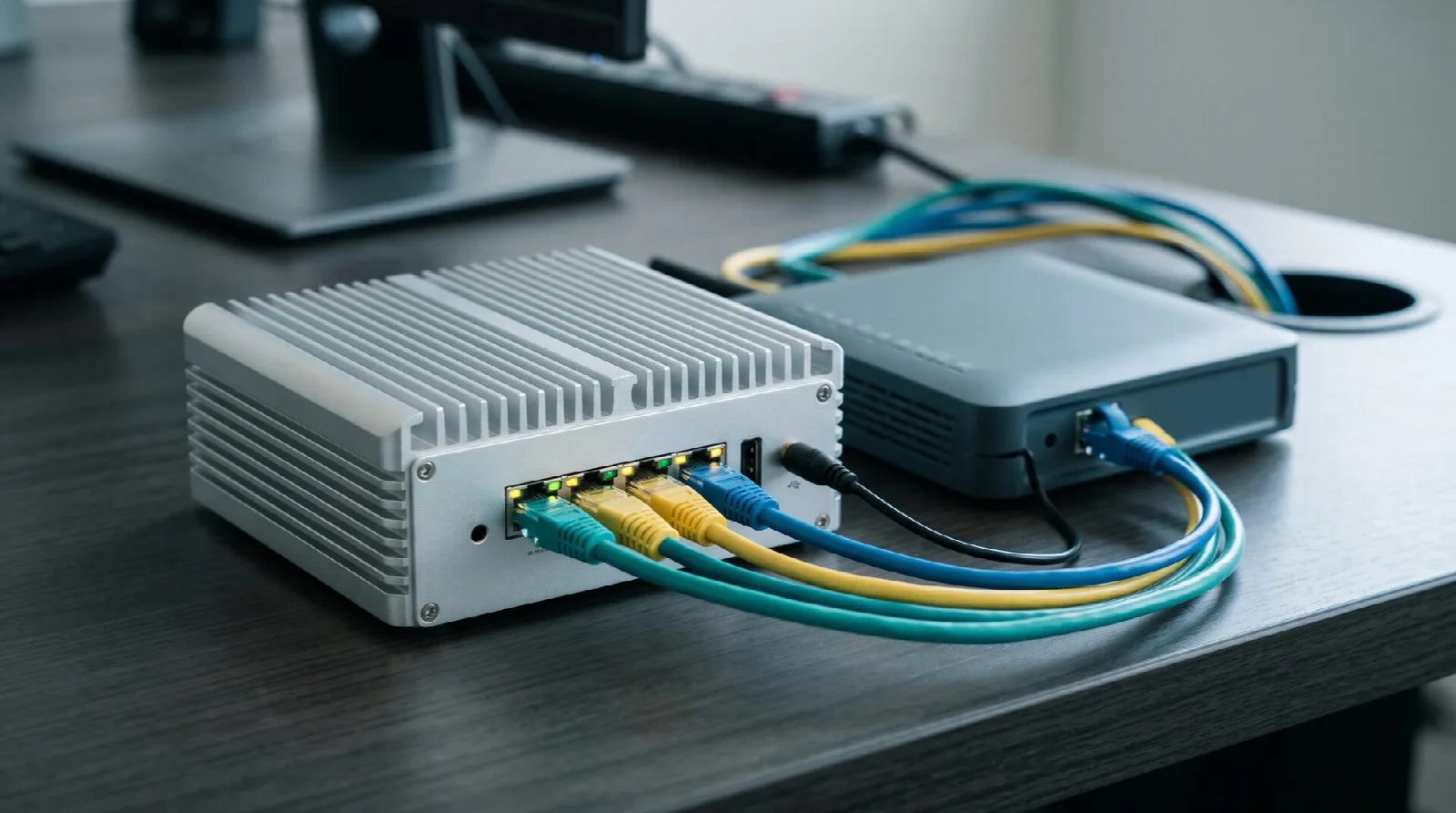
Illustration: a fanless four-port mini PC used as a firewall, cabled to a modem
Best turnkey
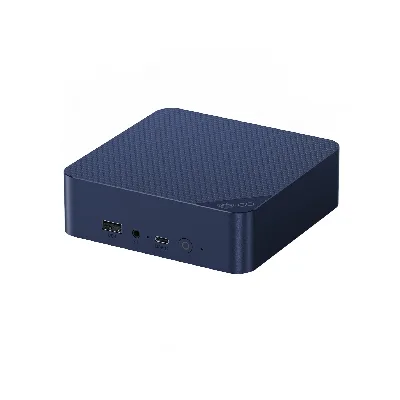
Beelink EQ14
Intel N150, two 2.5GbE ports, and about 10 W at idle in WunderTech’s own build. Comes ready to run with RAM and storage.
Best appliance
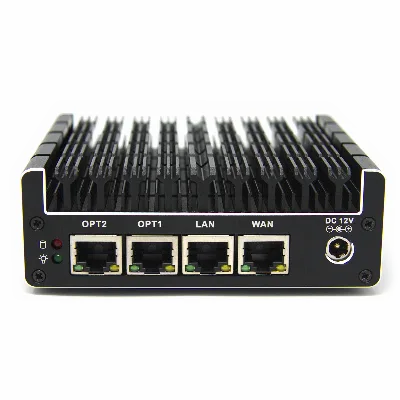
Protectli Vault FW4C
Fanless, four Intel i226-V 2.5GbE ports, coreboot support and official OPNsense and pfSense documentation. Sold barebone.
Best budget four-port
CWWK N100 4-port
Four i226-V ports, fanless, barebones. The cheapest way to four dedicated ports, with quality-control caveats to read first.
For 10GbE
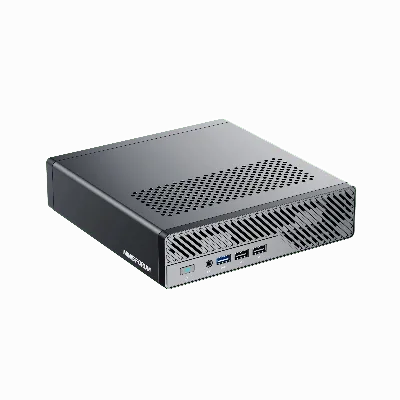
Minisforum MS-01
The pick when you need 10GbE. A small workstation rather than a fanless appliance.
How we chose
OPNsense and pfSense need very little: an x86 processor, a couple of network ports, and a network chip the software supports well. These four were chosen because published reviews agree they meet that, each at a different budget and port count.
Intel network chips
the Intel i226-V controller is recognised by both platforms without driver patches, which is why nearly every box here uses it.
AES-NI
hardware encryption support in the processor, which matters as soon as you run a VPN.
Port count
two ports (WAN and LAN) with VLANs on a managed switch, or four or more dedicated ports with no VLAN tags to configure.
Fan and idle power
a firewall runs around the clock, so silence and low idle draw count for more than peak performance.
01
Best turnkey
Beelink EQ14
An Intel N150 mini PC with two 2.5GbE ports, which WunderTech chose for its own pfSense build, measuring about 10 W at idle with 16 GB of memory and a 500 GB NVMe drive. Two ports means WAN plus a single LAN, so pair it with a managed switch if you want separate networks. Unlike the barebone options below, it ships ready to install.
A purpose-built fanless firewall with four Intel i226-V 2.5GbE ports, coreboot firmware support and official OPNsense and pfSense documentation, per Bitdoze. It ships barebone, so budget for memory and an SSD. Choose it when you want a supported appliance and are willing to pay more than for a generic box.
ComputingForGeeks names it the value leader when you want four discrete i226-V ports instead of VLANs on a switch: Intel N100, fanless, barebone, bring your own RAM and SSD. Bitdoze advises reading the quality-control caveats on unbranded boxes first. Buy from a seller with a clear return policy and keep the receipt.
Bitdoze’s choice when the firewall needs 10GbE. It is a compact workstation with a fan rather than a fanless appliance, so it suits a lab that also runs virtual machines and storage. Overkill for a home line; the right tool for a lab or a small office with multi-gigabit links.
Both install cleanly on every box here. One reviewer, Bitdoze, recommends starting with OPNsense for a new build in 2026. If you already know pfSense, its muscle memory carries over, so use what you can maintain.
Does it work with a PPPoE fibre connection?
Yes. Both systems support PPPoE on the WAN interface; enter your ISP’s username and password there, and add a VLAN tag if your provider requires one.
Two ports or four?
Two ports is enough if you have a VLAN-capable switch behind it. Four or more gives separate physical networks with no tagging to configure, which is simpler to reason about.
Sources
Specifications and findings above come from these pages, read on 26 November 2026. Specifications change between revisions, so check the product page before you buy.
Runs network operations for a licensed fibre ISP in Khulna, Bangladesh (AS137403) — GPON access, MikroTik edge, BGP upstream. Every review here is tested against that network rather than a lab loop.