Affiliate disclosure — Networking Room participates in the Amazon Services LLC Associates Program and earns from qualifying purchases. Nothing on this page is placed or paid for by a manufacturer.
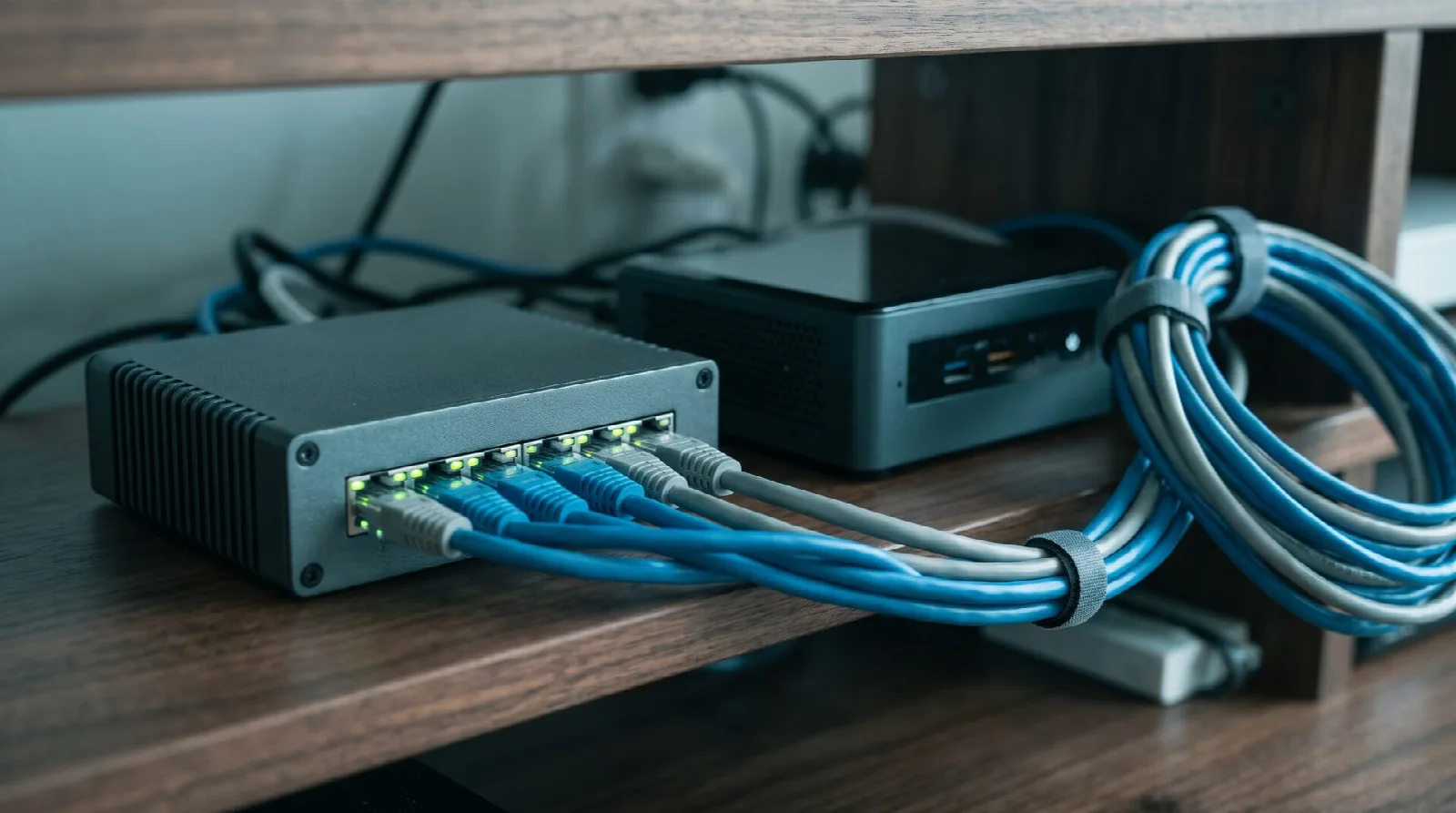
Illustration: a compact fanless network switch and a mini PC on a home-lab shelf
Best overall
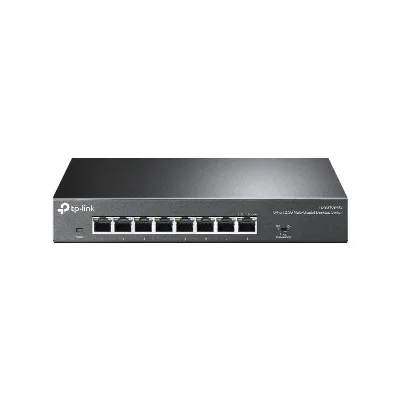
TP-Link TL-SG108-M2
Eight 2.5 Gbps ports, fanless, nothing to configure. The switch WunderTech points most people to.
Best for a desk
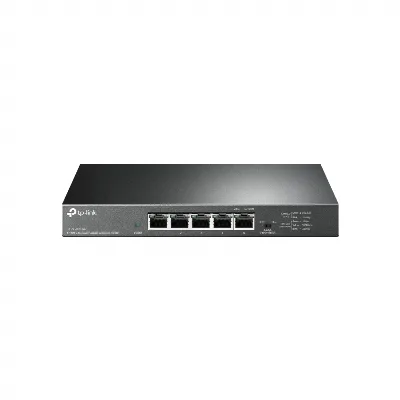
TP-Link TL-SG105-M2
The five-port version of the same design, for a desk, a TV cabinet or the far end of the house.
Best managed
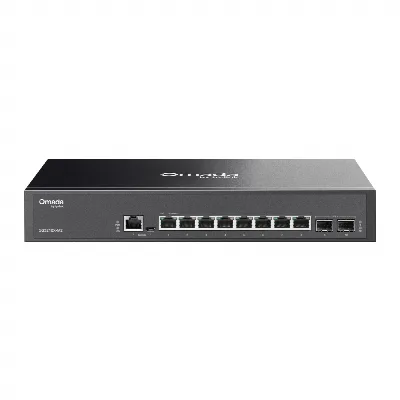
TP-Link Omada SG3210X-M2
Eight 2.5G ports, two 10G SFP+ slots and VLANs, for a NAS or server that needs a faster uplink.
Easy managed
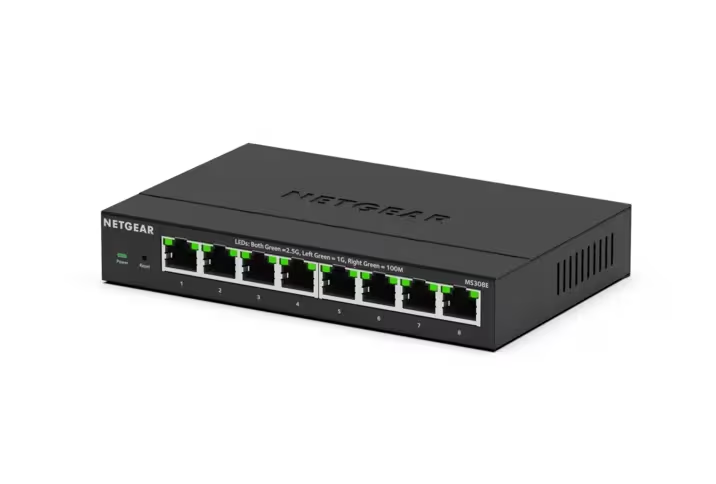
NETGEAR MS308E
Eight 2.5G ports and basic VLAN management without a controller, with a five-year warranty per published listings.
How we chose
A 2.5GbE switch only helps where the devices at both ends can do 2.5 Gbps, so the ranking starts from what you plug in and works outward. Four things separated the picks.
Port count and speed
every port should negotiate 100 Mbps, 1 Gbps and 2.5 Gbps, so an older gigabit device keeps working next to a new one.
Management
an unmanaged switch is plug and play. You need a managed one for VLANs, link aggregation or port mirroring, for example to keep smart-home devices off your main network.
Noise and heat
a fanless switch is silent, which matters on a desk or in a bedroom cupboard.
Uplinks
10G SFP+ ports matter when a NAS, server or access point needs more than 2.5 Gbps toward the rest of the network.
01
Best overall
TP-Link TL-SG108-M2
Eight 2.5 Gbps ports in a fanless metal case, plug and play. TP-Link lists 40 Gbps of switching capacity and a maximum power draw of about 15.7 W, and WunderTech singles it out as the one to point most people at. It is unmanaged, so there are no VLANs; if you need those, jump to number three.
The five-port sibling of the pick above, with the same fanless, plug-and-play design and a listed 25 Gbps of switching capacity. It suits a workstation, a NAS and a couple of other devices. If you might add a sixth device within a year, buy the eight-port model instead of buying twice.
Eight 2.5 Gbps ports plus two 10G SFP+ slots, with Layer 2+ management through TP-Link’s Omada system. It is the one to buy for VLANs, link aggregation and a 10G uplink to a NAS or server. If you already run Omada access points or a gateway, it can be managed from the same controller.
Eight 2.5 Gbps ports, a fanless design and NETGEAR’s Easy Smart management, which published listings pair with a five-year warranty. A good fit when you want basic VLANs without running a controller. Check its current specification for uplink options before you buy, because they differ from the Omada model above.
Manufacturer and listing information · check the product page before you buy
Spec
TL-SG108-M2
TL-SG105-M2
Omada SG3210X-M2
NETGEAR MS308E
2.5G ports
8
5
8
8
Management
None
None
Omada L2+
Easy Smart
Best for
Most people
A desk
VLANs + 10G
Basic VLANs
Before you buy
You do not need to rewire. The 2.5GBASE-T standard runs over Cat5e at up to 100 m, and TP-Link says the same for its switches, with the caveat that cable quality affects what you get. If a link negotiates at 1 Gbps instead of 2.5, check the cable and the device on the other end before blaming the switch.
It does not speed up your internet. A 2.5GbE switch speeds up traffic between your own devices, such as a NAS, a workstation or an access point. It helps with a fast internet plan only if the router’s LAN port is also 2.5G.
Check the link. On Linux, ethtool eth0 shows the negotiated speed, and iperf3 between two machines shows what the link carries in practice.
Do I need Cat6 cable for 2.5GbE?
Usually not. Cat5e is specified for 2.5 Gbps up to 100 m, and TP-Link advertises 2.5G over Cat5e on these switches. Poor or damaged cable is the usual reason a link falls back to 1 Gbps.
Managed or unmanaged?
Unmanaged if you only need more fast ports. Managed if you want VLANs to separate guest, IoT or lab traffic, link aggregation, or port mirroring for troubleshooting.
Does the fan matter?
On a desk or in a living space, yes. The TL-SG108-M2, TL-SG105-M2 and MS308E are described as fanless; check the cooling in the specification of any managed switch you consider, as some have fans. In a rack or wiring cupboard it matters much less.
Sources
Specifications and findings above come from these pages, read on 26 November 2026. Specifications change between revisions, so check the product page before you buy.
Runs network operations for a licensed fibre ISP in Khulna, Bangladesh (AS137403) — GPON access, MikroTik edge, BGP upstream. Every review here is tested against that network rather than a lab loop.